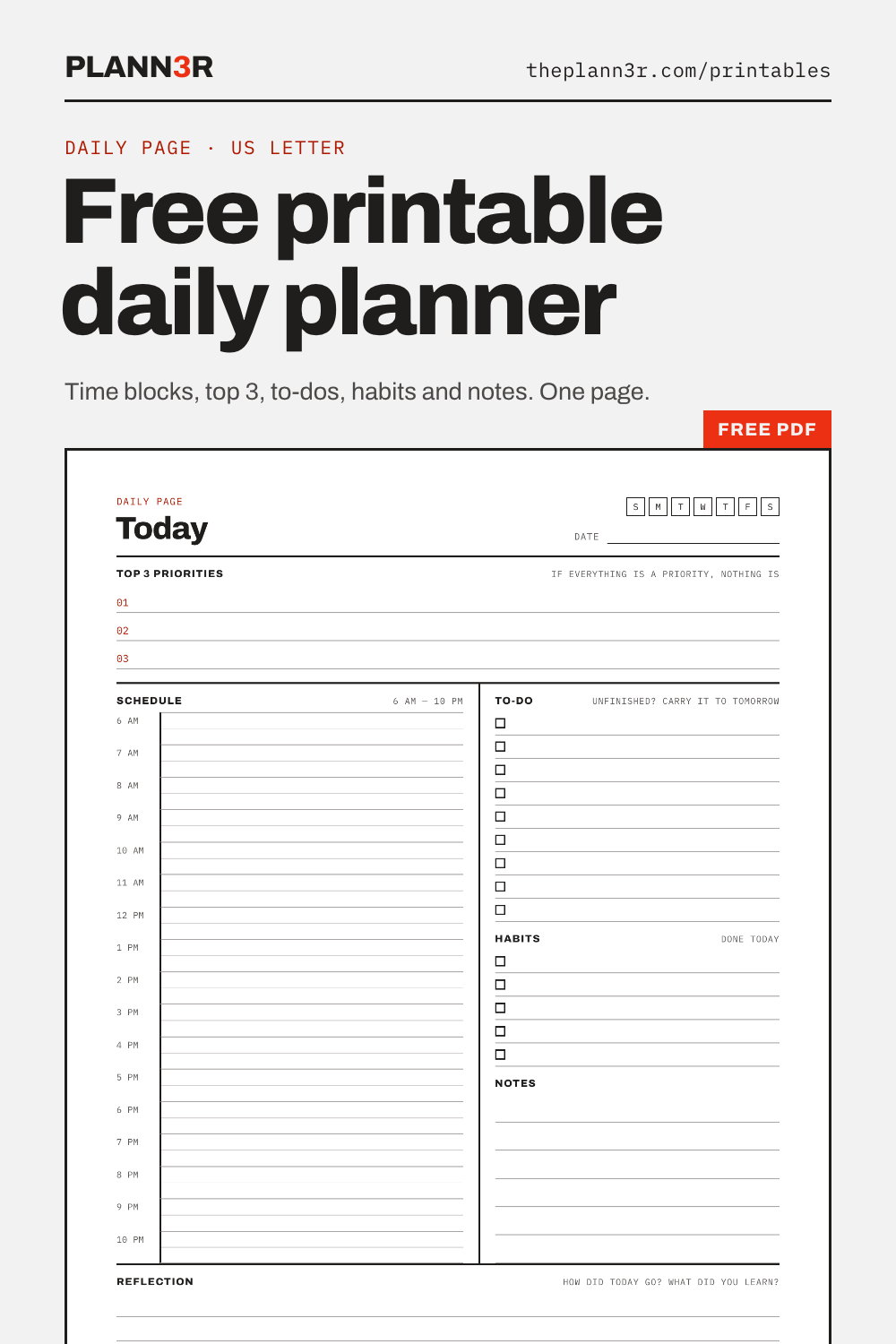
Daily planner
An hourly schedule from 6 AM to 10 PM beside your top 3, to-dos, habits and notes, with a reflection box at the bottom.
Five one-page PDFs: a daily planner, a weekly spread, an undated monthly calendar, a goal planner and a monthly habit tracker. Black lines on white paper, built to be written on. Print as many as you like.
An hourly schedule from 6 AM to 10 PM beside your top 3, to-dos, habits and notes, with a reflection box at the bottom.
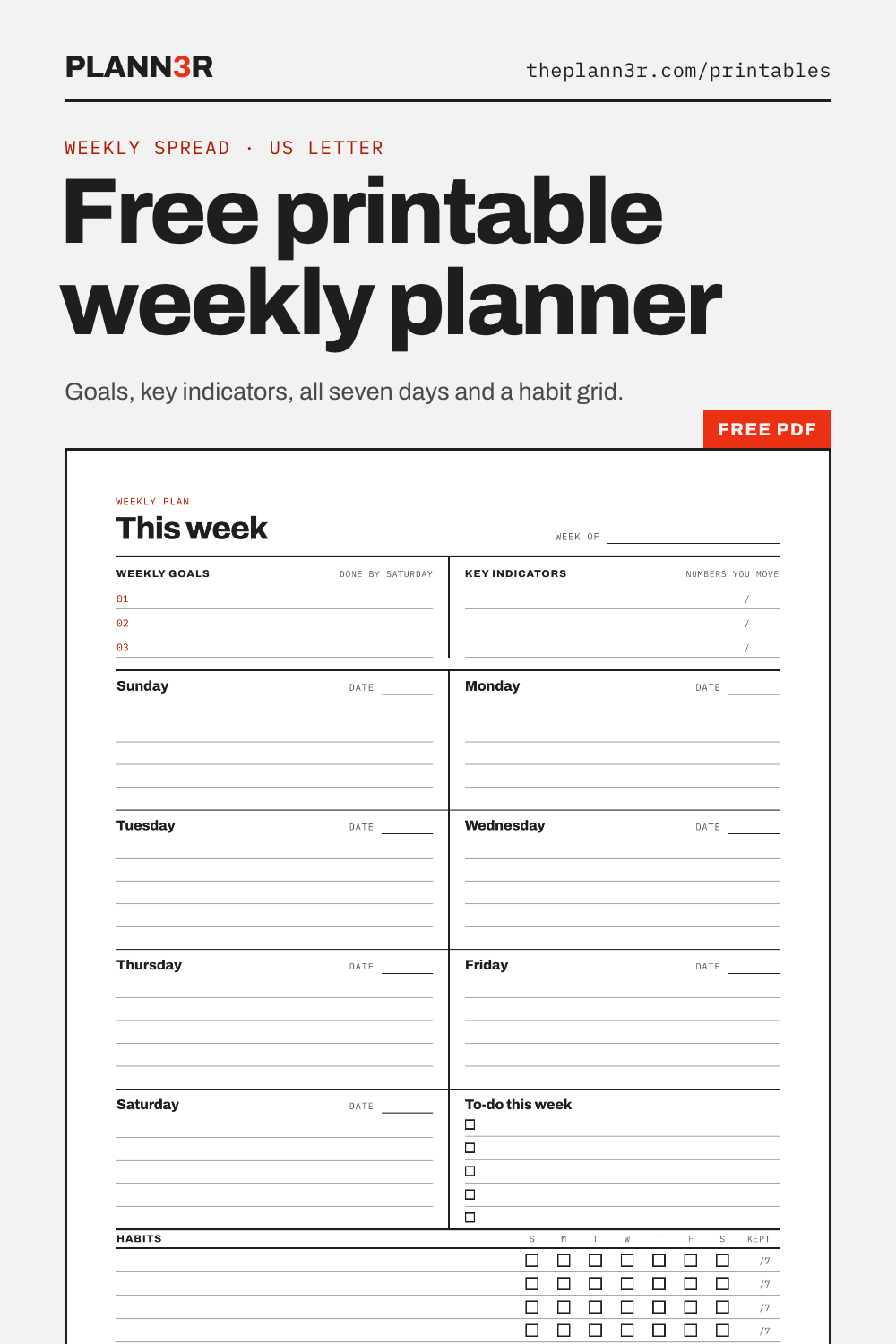
The whole week on one page: three goals, the numbers you want to move, a box for each day, a weekly to-do list and a habit grid.
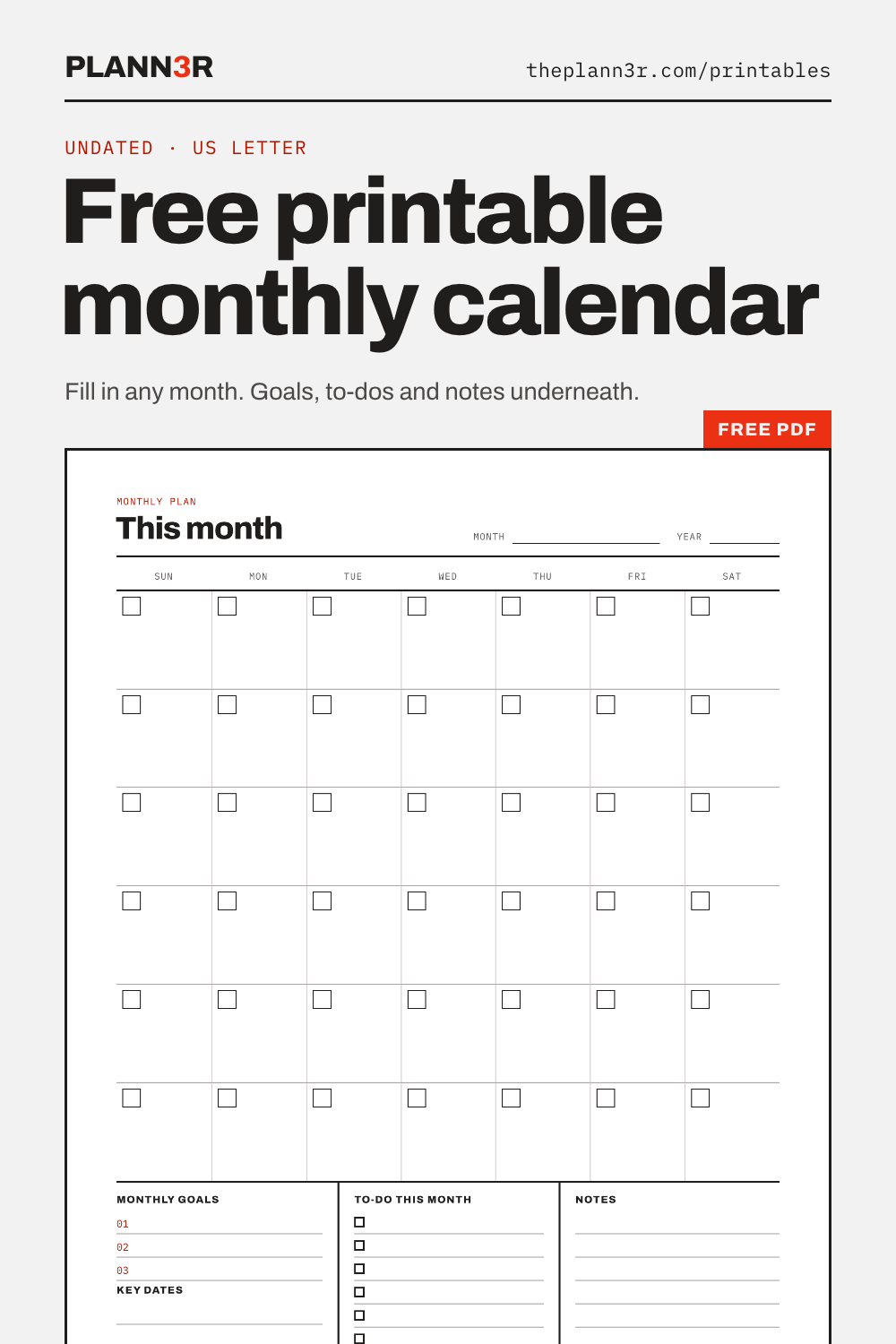
Undated, so it fits any month: write the dates into the boxes. Monthly goals, key dates, to-dos and notes sit underneath.
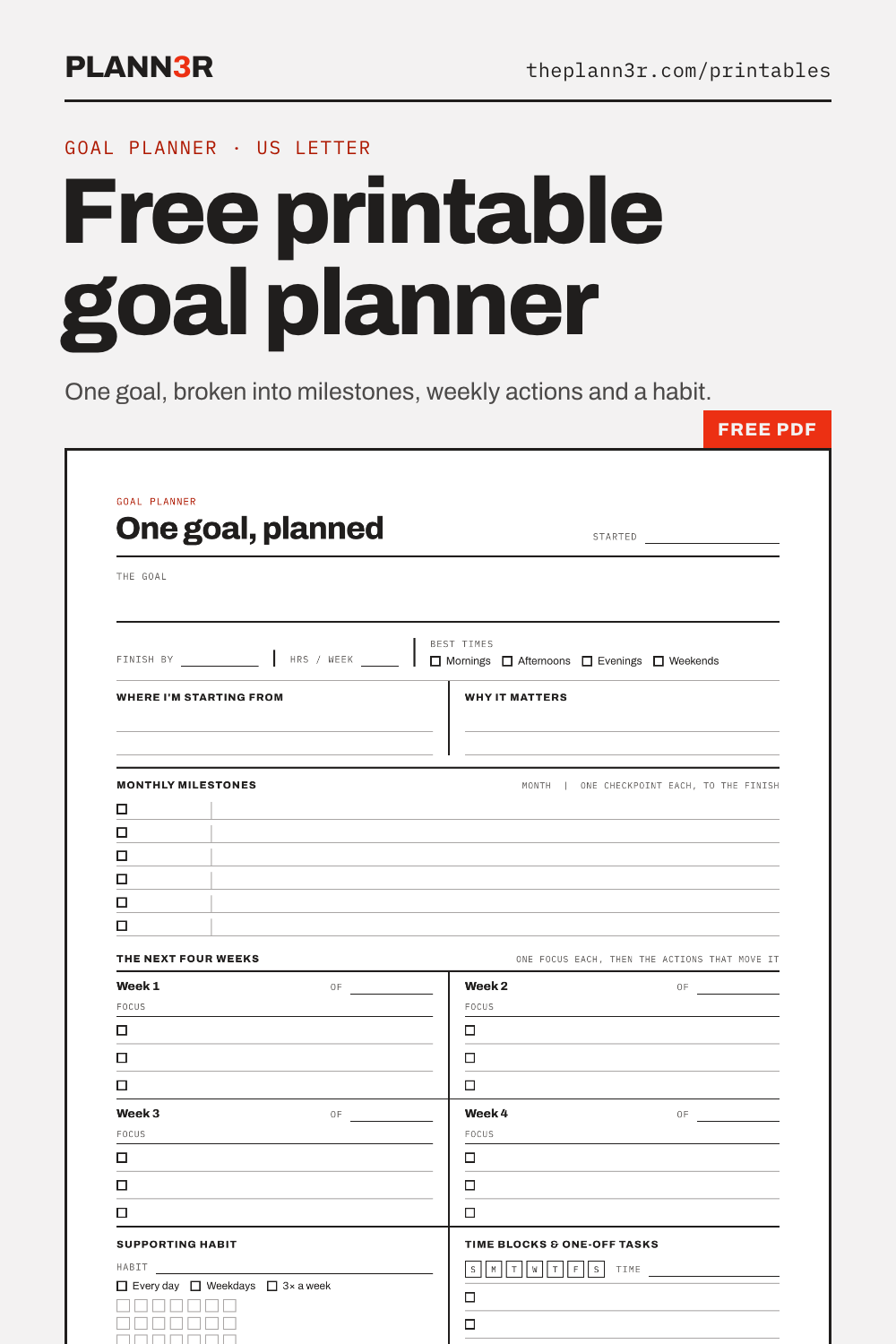
One goal, broken down the way the app's goal planner does it: monthly milestones, a focus for each of the next four weeks, a supporting habit and time blocks.
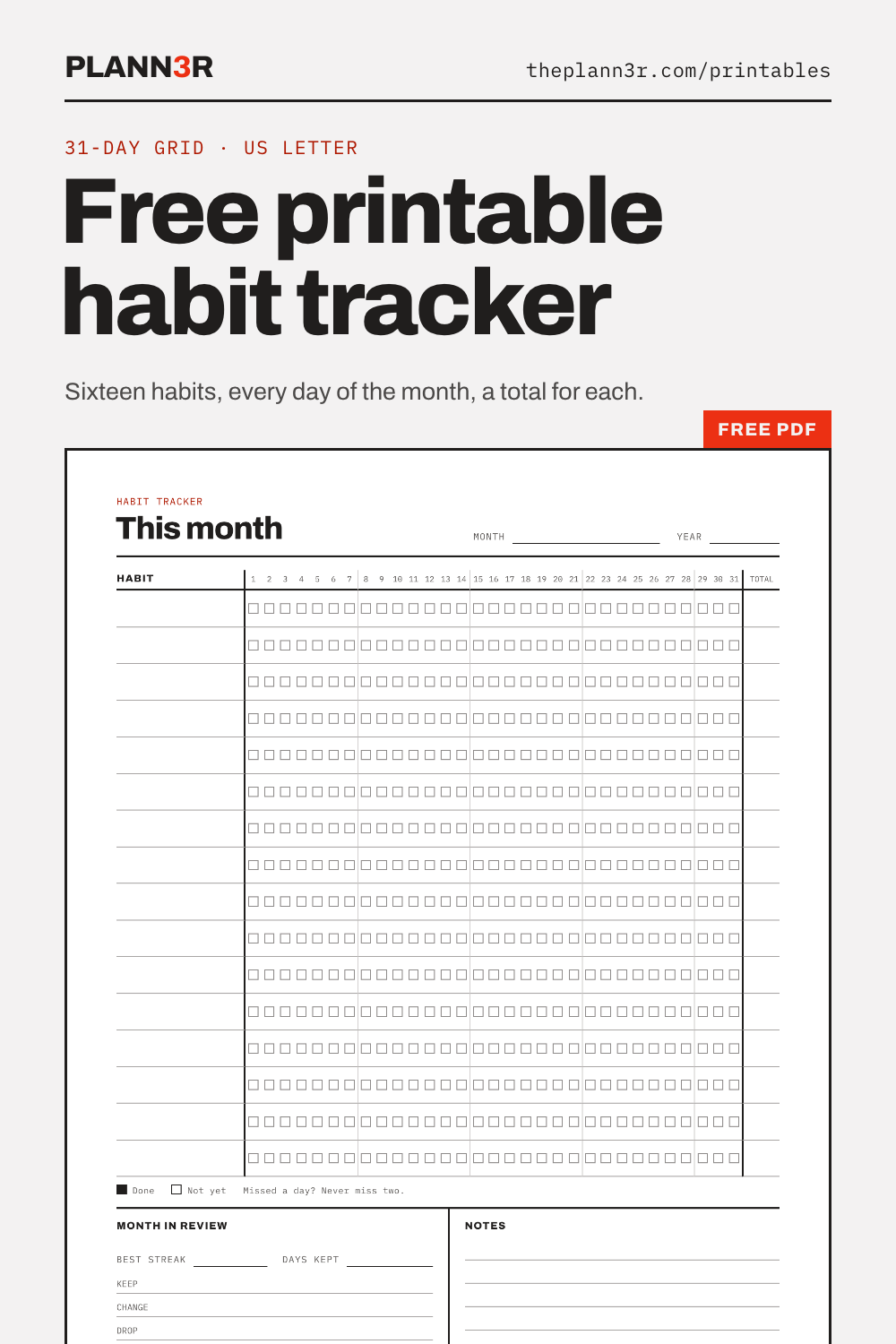
Sixteen habits against a 31-day grid, a total for each, and a short month-in-review: best streak, what to keep, change or drop.
Paper is a good planner. What it can't do is carry anything forward: unfinished to-dos have to be copied out again, streaks get counted by hand, and the schedule never reaches your calendar.
The PLANN3R is these same pages as an app. To-dos roll forward until they're done, habits count their own streaks, a task with a date drops into the right day, week and month, and your day syncs with Google Calendar.
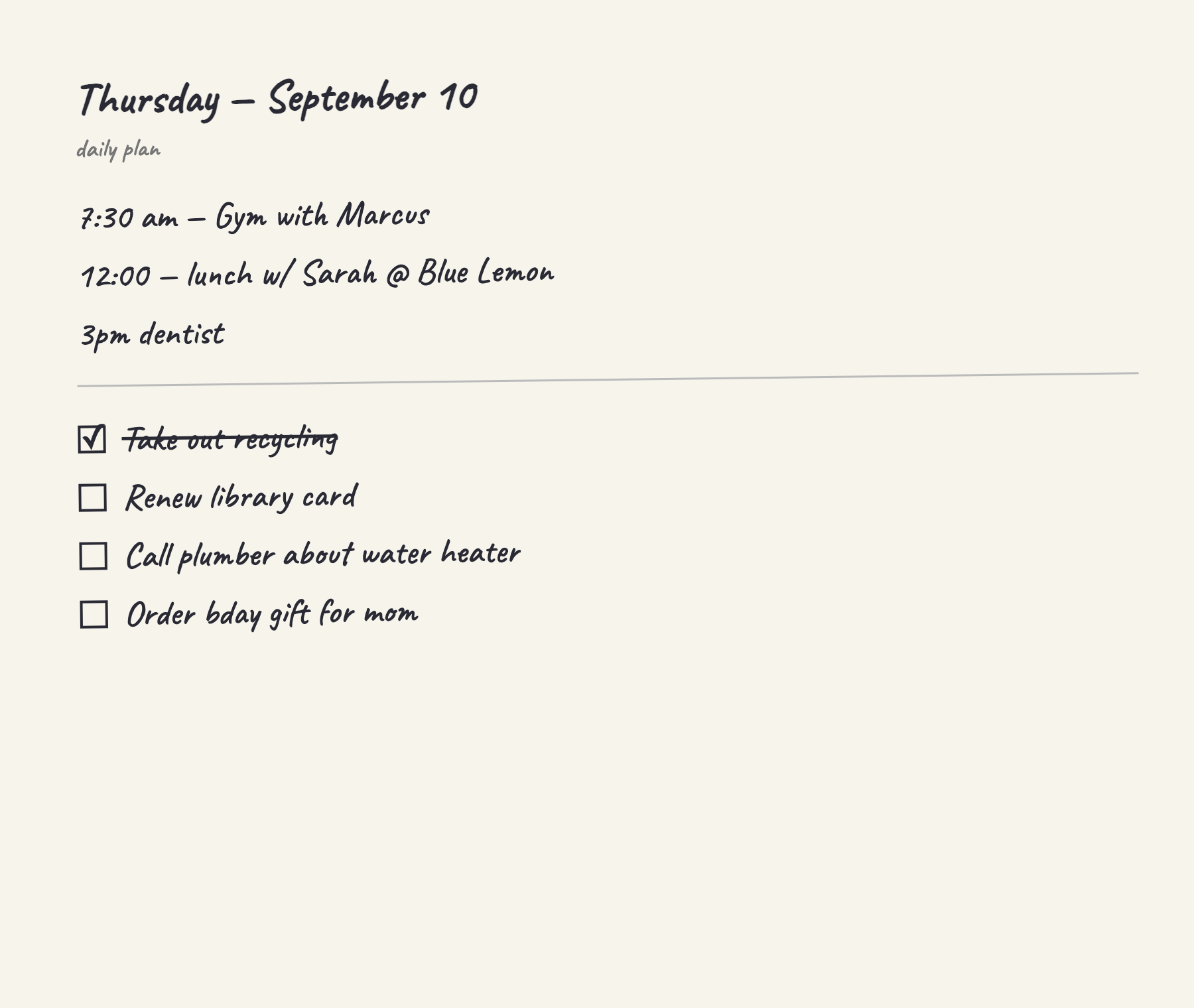
You don't have to choose. Fill in a paper page, then tap Scan from paper planner and photograph it. Timed lines become events, list lines become to-dos, and anything you already checked off arrives checked. Nothing is added until you approve it.
Yes. There is no email gate and no account. Download the PDFs and print as many copies as you like for personal, family, classroom or office use.
US Letter (8.5 × 11 in), portrait. On A4 paper, choose Fit to page (or Scale to fit) in the print dialog. The margins are wide enough that nothing is cut off.
No, every page is undated, so you can start any day of any year. The monthly calendar has a small box in each cell for the date, which makes it work for any month. Weeks start on Sunday.
Open the PDF and print at 100% (Actual size), portrait. The pages are black lines on white with only a few small red marks, so they print well in black and white or draft mode.
Yes. On the Day view, tap Scan from paper planner and photograph a filled-in page. Timed lines become events, list lines become to-dos, and anything you checked off on paper arrives checked off. You review the list before anything is added.
Please share the link to this page. Don't resell the files or host them somewhere else.